Underground Rail
The Underground Rail (URail) system consists of a plethora of puzzle pieces, designed to allow the Rail network and its two transit types, Passenger Trains and Freight Trains, to travel below ground, as well as below other networks with Dual-Networking capabilities.
Menu Buttons
The URail system contains a total of six menu buttons.
On the Rails Menu

Underground Rail Rail Tunnel under Roads Dual Networking Puzzle Pieces
For building Rail Tunnel under Roads Dual/Double-Decker Pieces.
Button contains several different Pieces for Dual/Double-Decker Networking.

Underground Rail Rail Tunnel under Ped Malls Dual Networking Puzzle Pieces
For building Rail Tunnel under Ped Malls Dual/Double-Decker Pieces.
Button contains several different Pieces for Dual/Double-Decker Networking.

Underground Rail Maxis Roadway Intersection Pieces
For building intersections between Rail Tunnel and Maxis Roadways.
Button contains several different Pieces for Maxis Roadways.

Underground Rail Railway Intersection Pieces
For building intersections between Rail Tunnel and Railways.
Button contains several different Pieces for Railways.

Underground Rail Miscellaneous Puzzle Pieces
For building Miscellaneous Rail Tunnel Pieces.
Button contains several different Pieces for Dual/Double-Decker Networking.
On the Misc. Transit Menu

Underground Rail Tramway Intersection Pieces
For building intersections between Rail Tunnel and Tramways.
Button contains several different Pieces for Tramways.
Note that there presently is no crosslinkage to support crossings under (or Dual-Networking with) any RealHighway (RHW), Network Widening Mod (NWM), or Street Addon Mod (SAM) networks, or with Road Viaducts.
Building A URail System
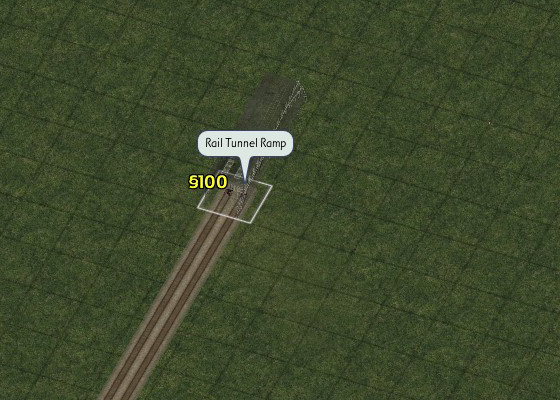
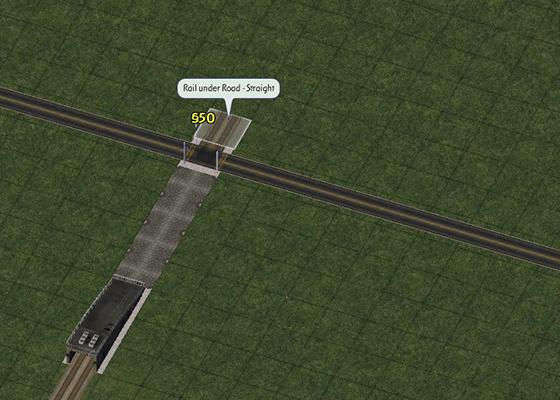
To build a URail system, first hook a Rail line into a URail portal (or Rail Tunnel Ramp), found at the end of the Underground Rail, Rail Tunnel under Roads Dual Networking Pieces (the first URail button on the Rails Menu). Pressing Shift-TAB (or Ctrl-Shift-TAB on Mac) will take you right to the portal. To return to ground level with your line, simply place another URail portal/Rail Tunnel Ramp at the desired location.
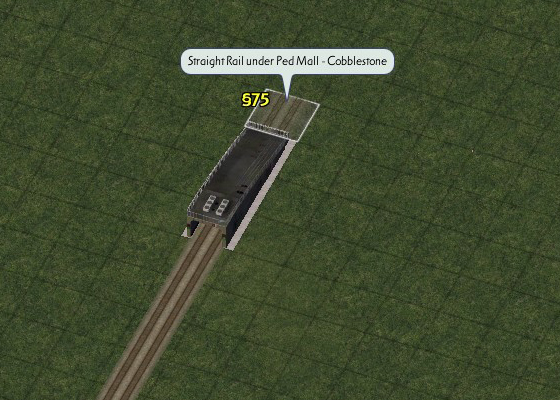
As there are no base URail pieces under blank terrain, if you wish to continue your URail line under effectively blank terrain without having another network parallel overhead, use the PedMall-over-URail pieces, found under the Underground Rail, Rail Tunnel under PedMalls Dual Networking Pieces button for such cases. Orient the Rail textures shown in the preview to fit with the intended direction of your URail line.
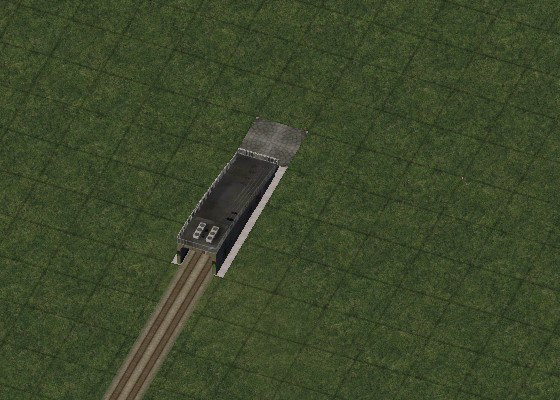
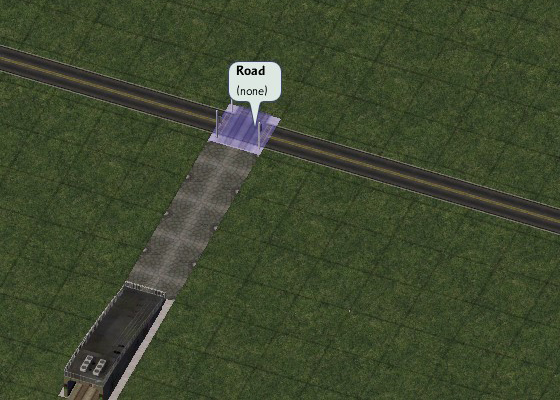
Hovering over top of a URail piece with one of the game’s Query Tools will show a Rail “ghost texture”, allowing you to discreetly see where your URail line is located.
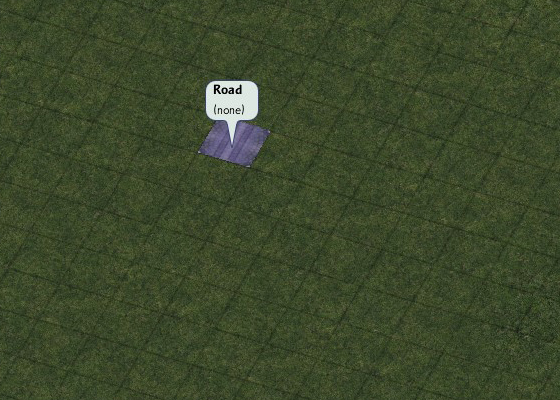
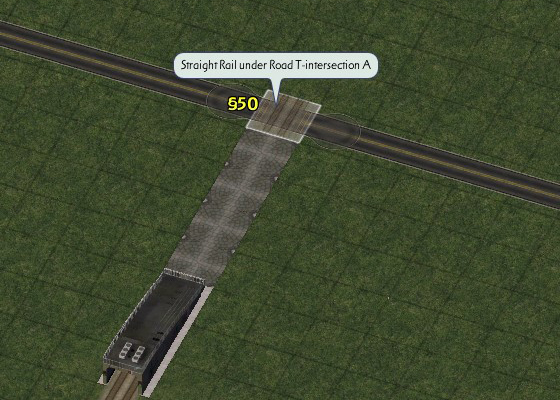
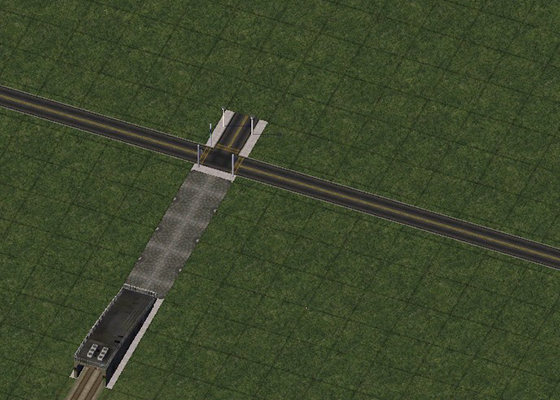
To cross under an above-ground network, use the appropriate intersection or miscellaneous piece, and align the preview model’s Rail textures with your URail line.
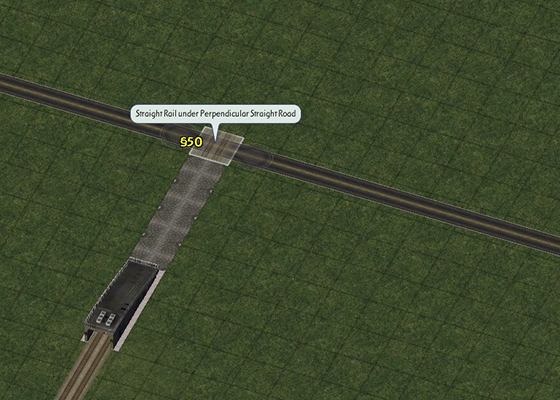
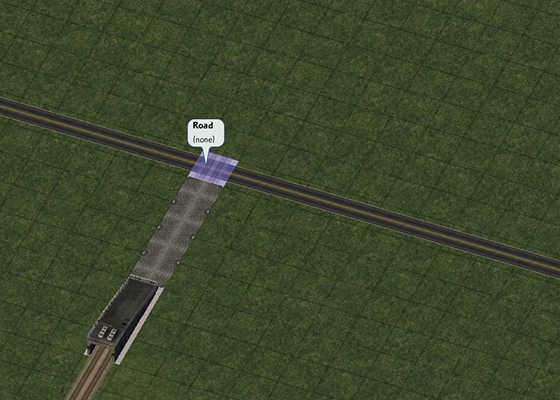
Alternatively, to start a segment of Dual Networking, build the appropriate Dual-Networking intersection piece, and then continue with the parallel Dual-Networking pieces as appropriate.
Limitations
- Due to game limitations with the Train transit types, a draggable implementation similar to Subway-based FLUPs is unfortunately not currently feasible. A Rail-based draggable would alter terrain above ground in undesirable ways.
- Note that due to the game’s limitation of two true networks on a single tile, intersections above a URail line can only be of a single network, since URail is itself Rail-based.
- Any Dual-Networking setup must be with a network type other than Rail (i.e. Road). Rail-over-URail Dual-Networking is not possible, due to the prospects of path jumping (in which case a Train could jump between above and below ground).