Network Eraser
Overview
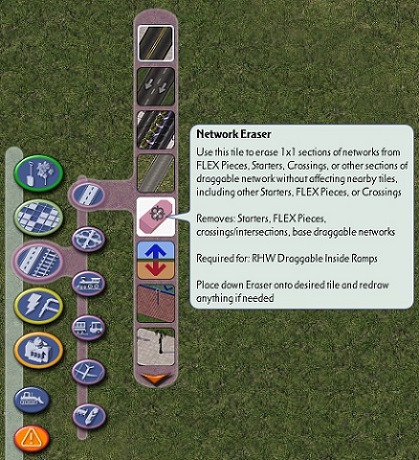
The Network Eraser (previously known as the RHW Disconnector) is a special tool which erases a single tile of any network or FLEX Piece. It does not affect the surrounding sections of network, so the Network Eraser is safer to use and less destructive when one needs to remove or rebuild a section of network than the game’s Bulldozer tool, especially when complex setups are involved. It can be found near the top of the Roads, Highways, Rails, and Misc. Transit menus.

Network Eraser Button
To use the Network Eraser, select it from the menu, hover it over the stretch of network you wish to erase, and then click to erase. The Network Eraser can be found near the top of the Highways menu, as well as the the Roads, Rails, and Miscellaneous Transportation menus.
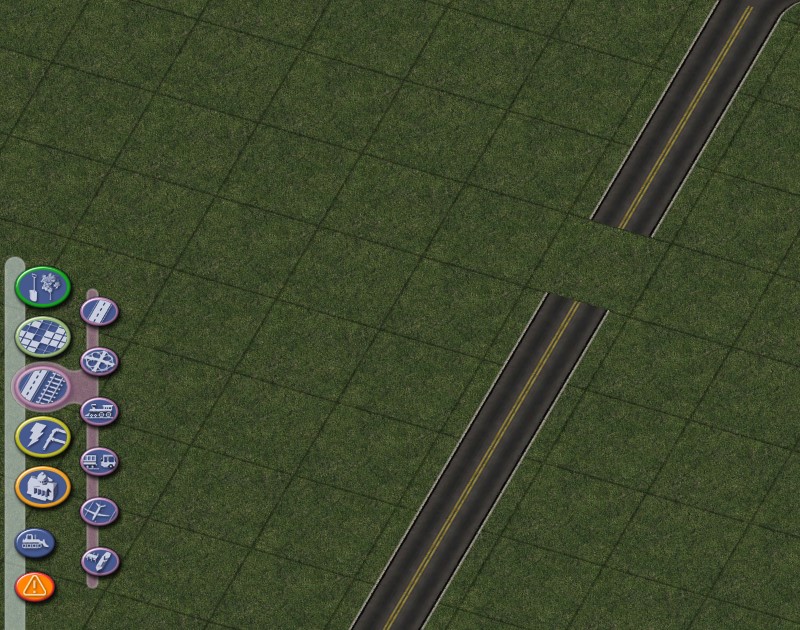
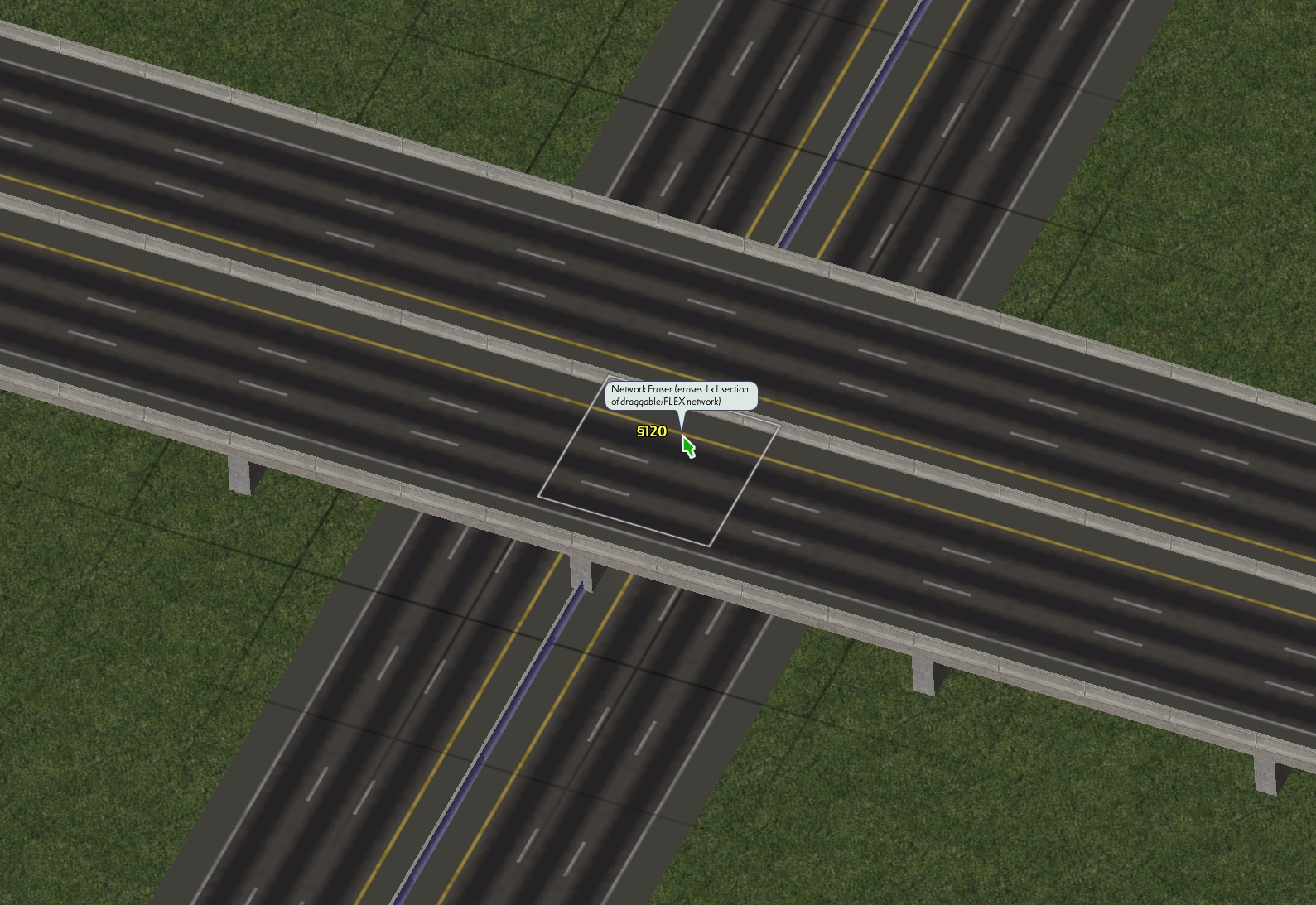
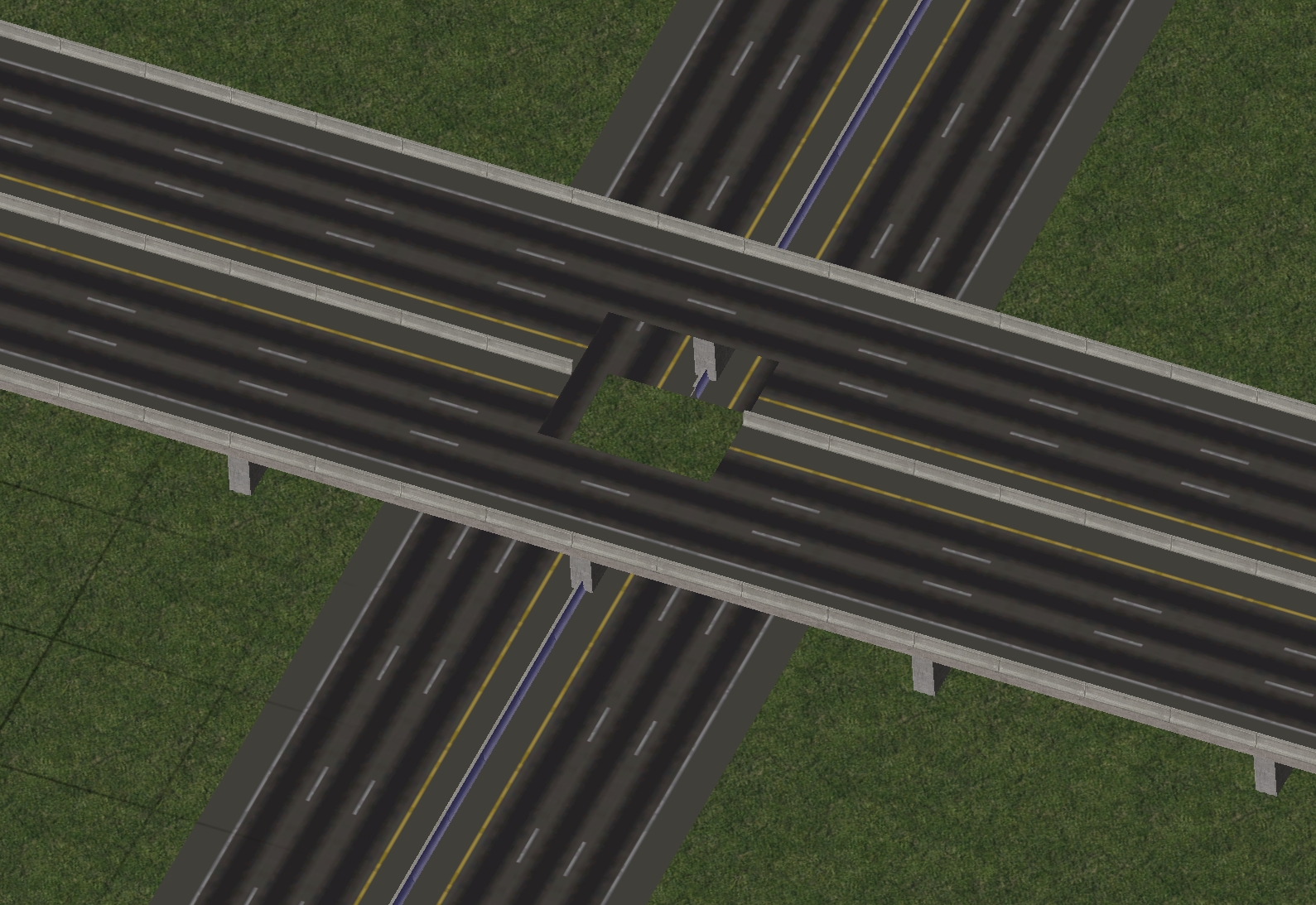
The Network Eraser can work on any draggable intersection combination between two different networks:
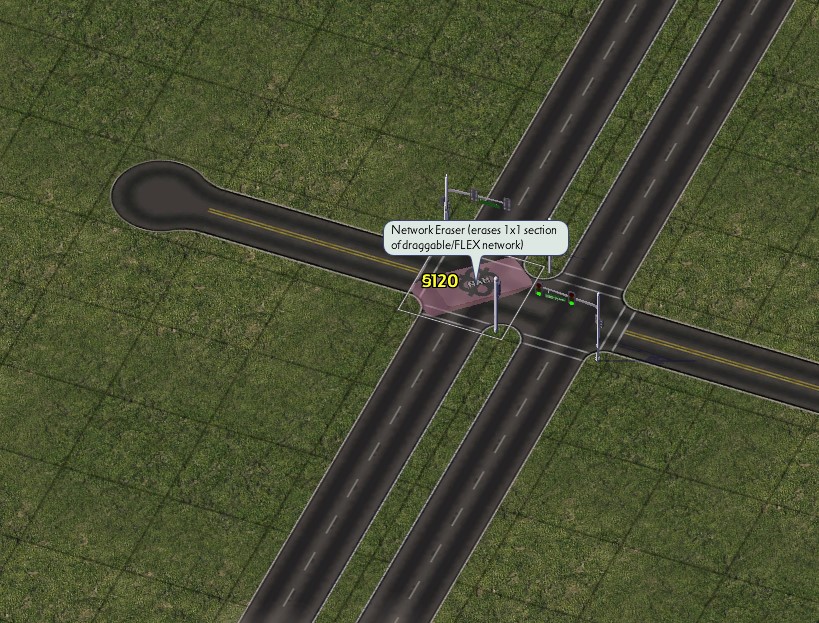
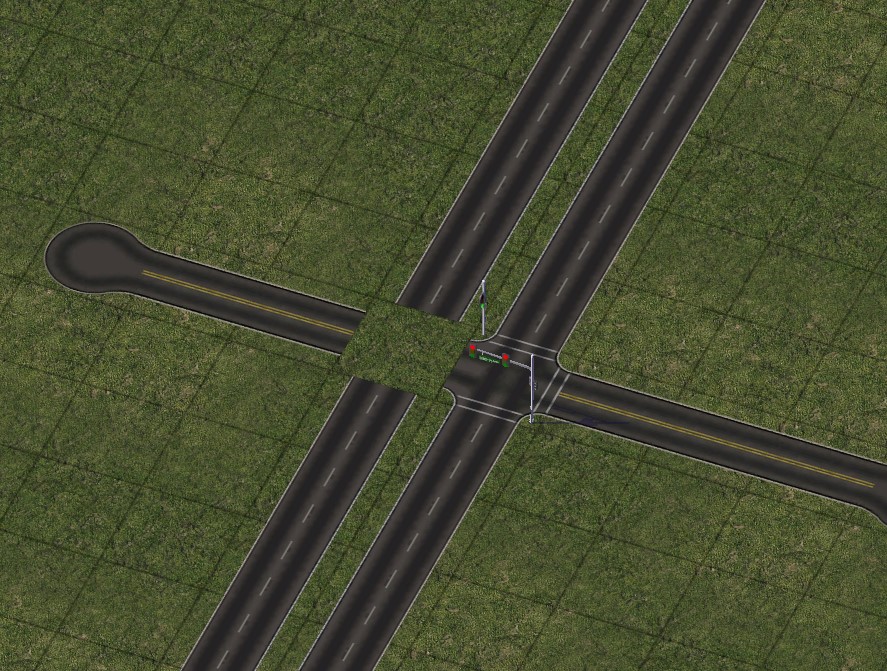
It can also work on FLEX Pieces, such as this RealHighway (RHW) FLEXRamp:
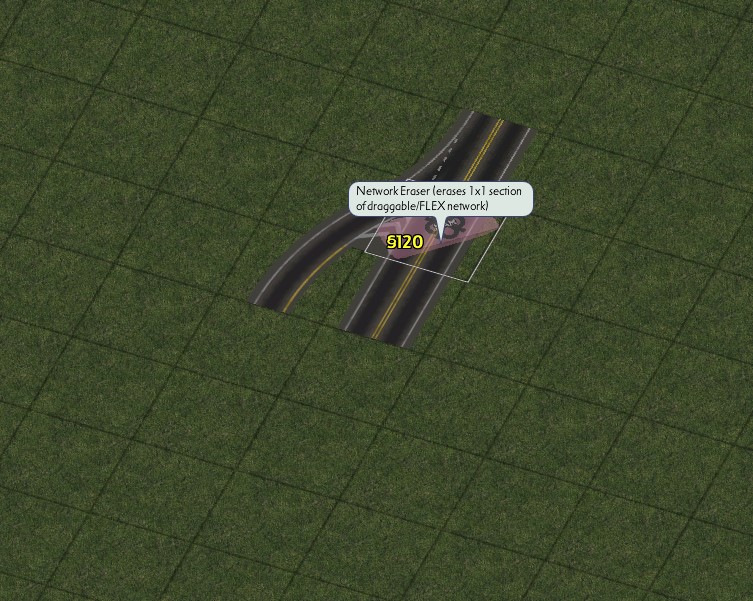
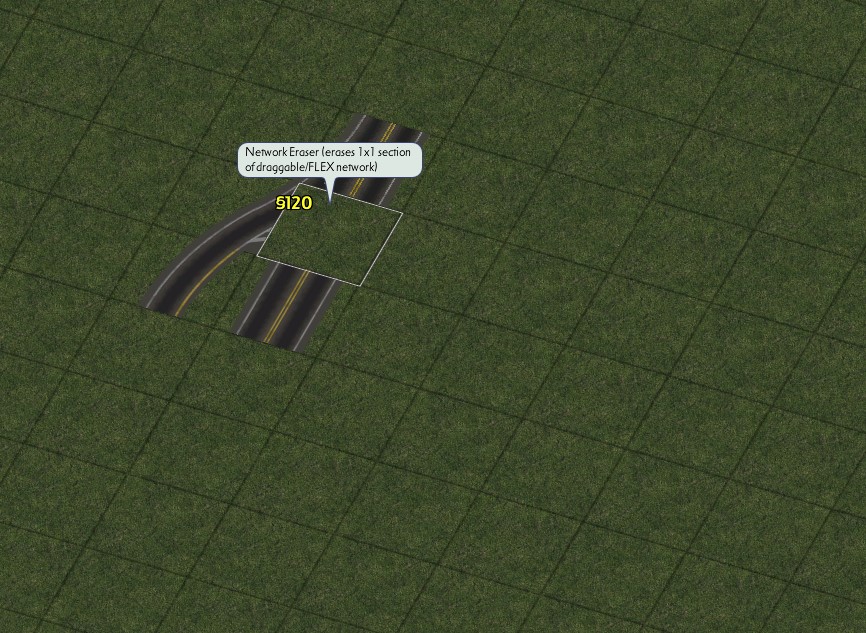
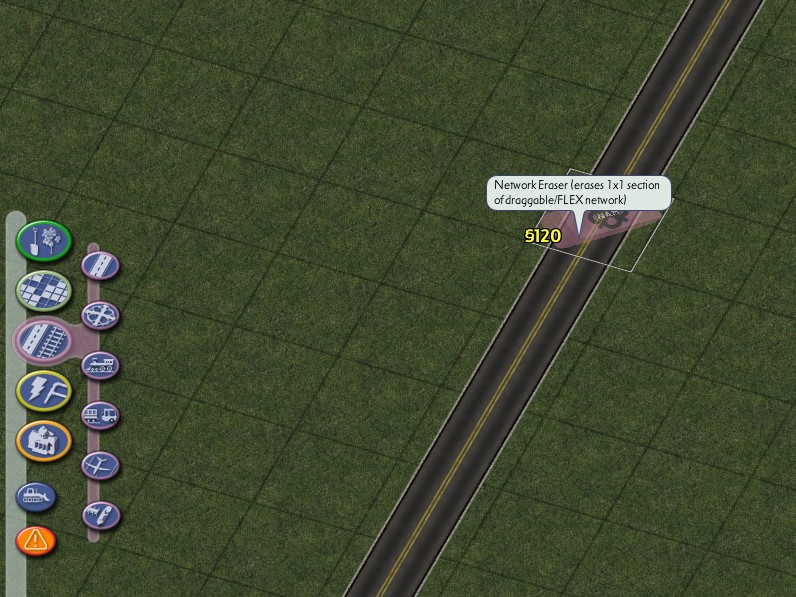
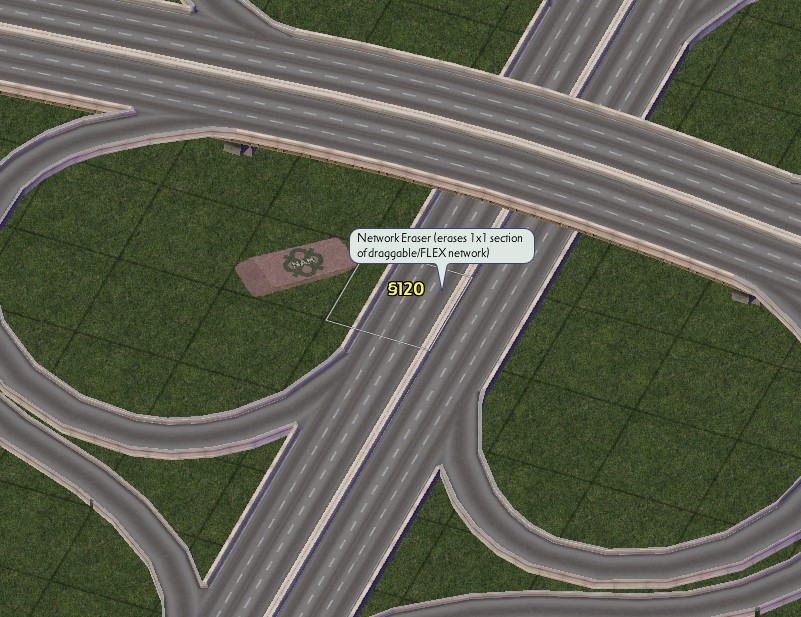
It does not, however, work on old-style puzzle pieces or Maxis Highway interchanges (notice how attempting to hover over the interchange puts the Network Eraser one tile to the side):
Using with RealHighway
The base RealHighway network has auto-connect functionality, similar to the way the Street network operates. This can make the network behave erratically when using the Bulldozer tool, and may result in more destruction than one intended, particularly when dealing with complicated interchanges constructed entirely from RealHighway components.
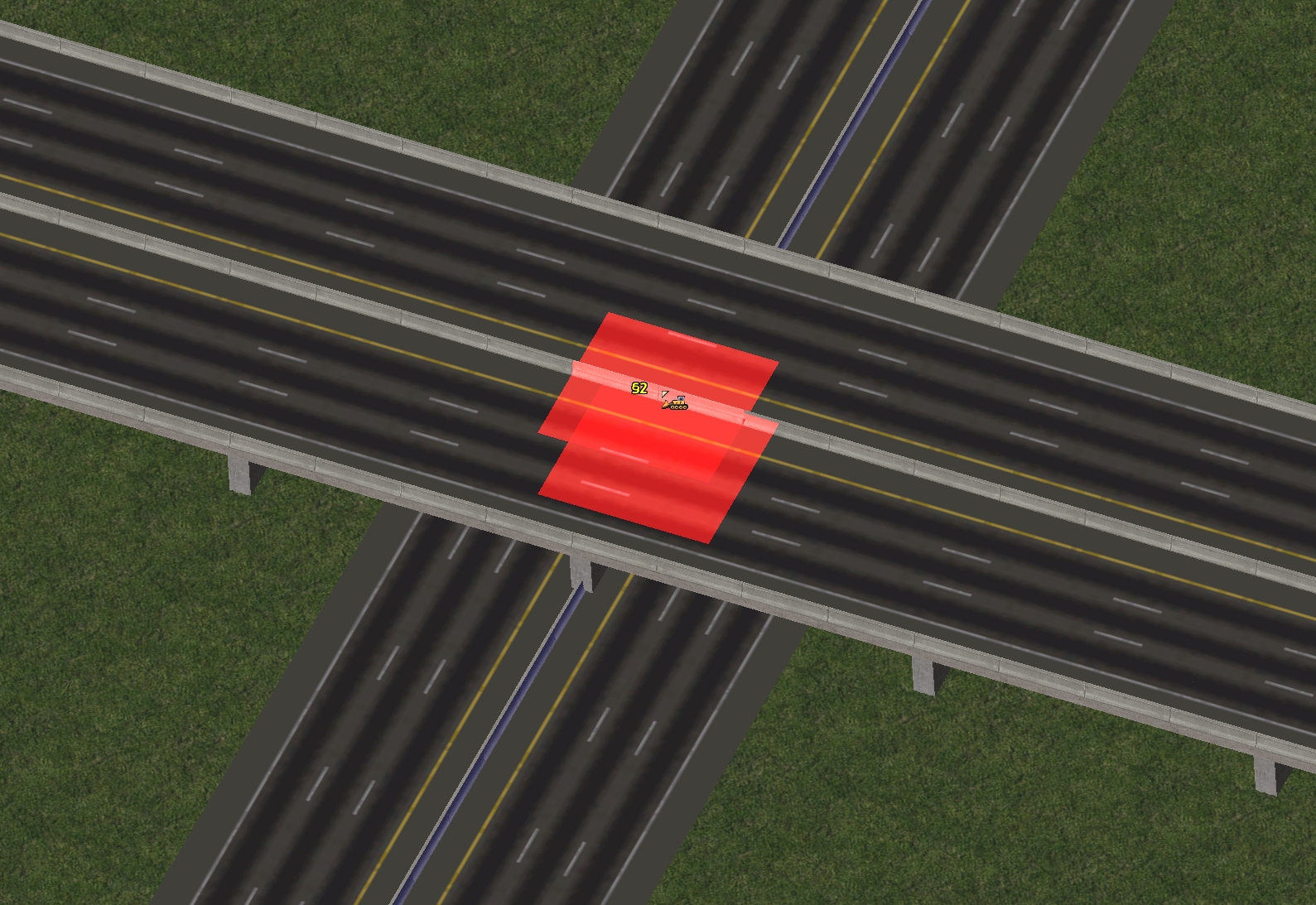
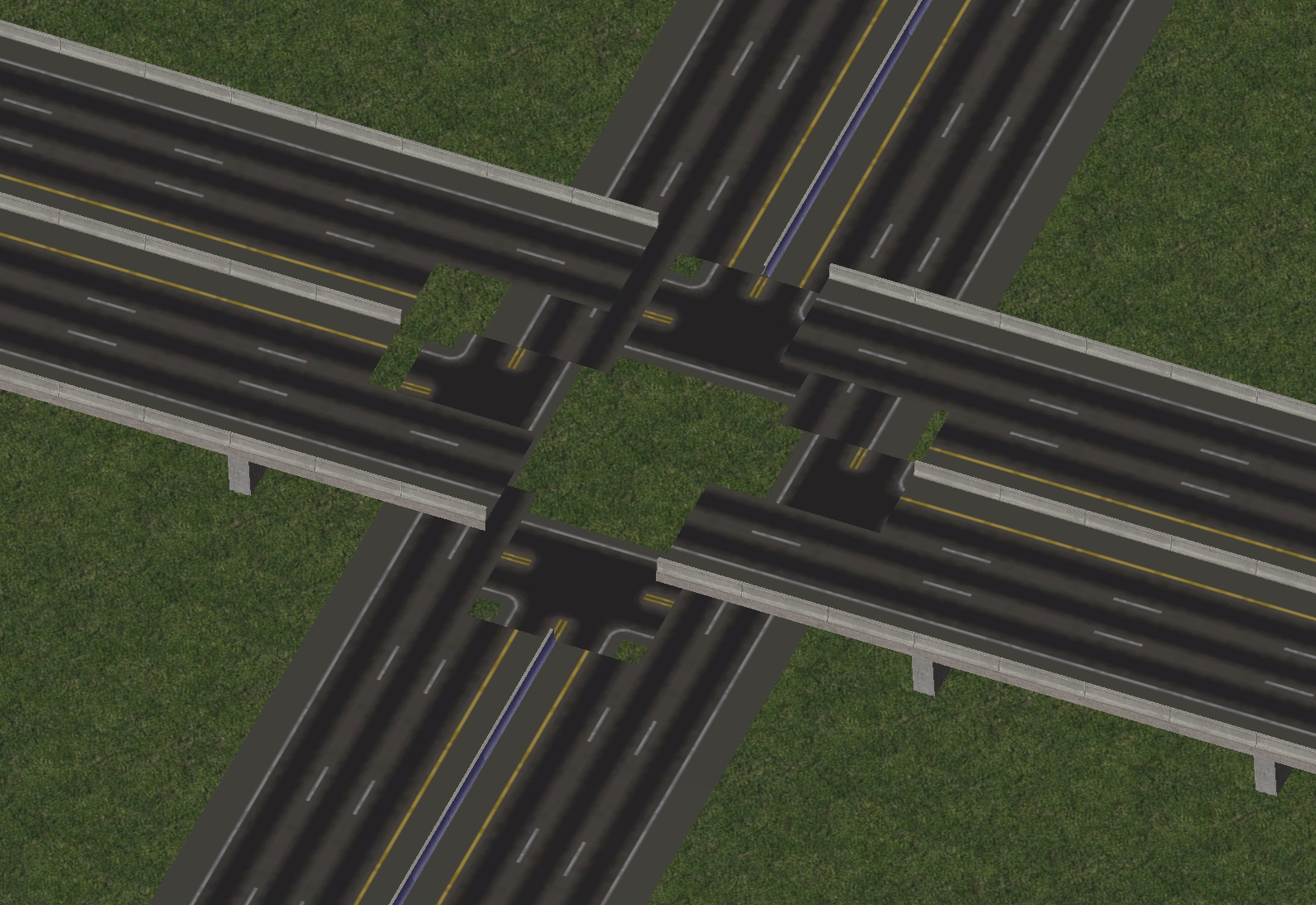
To combat this issue, use the Network Eraser instead. The Network Eraser is also used as part of some Pattern-Based Draggable setups used by the RealHighway, particularly the Draggable Ramp Interfaces (DRIs). Additionally, it can be used in many situations with non-RHW networks as well.