The NAM DLL
The NAM DLL is a building block that complements and expands the functionality of the NAM in ways that would not otherwise be possible. Vastly reduced loading times, draggable diagonal streets, slope tolerance for curves, and new keyboard shortcuts for networks are all features enabled by the DLL would have otherwise been impossible. The DLL is a fundamental part of NAM 50, and will be a core component of all NAM releases going forward.
Overview
The NAM DLL brings a wide variety of fixes, many of which were previously thought impossible to implement due to limitations imposed within the game or its code. Should you wish to disable any of the features introduced by this DLL, either because of personal preferences or for debugging purposes, this is possible by installing the optional NAM.ini file. When the game is launched, the NAM DLL will read the configuration you have specified in this file and enable or disable the features as specified. The NAM.ini file is intentionally distributed separately; the default settings are recommended for the vast majority of users.
The NAM DLL is fully open source, and is distributed under the LGPL-3 license. The source can be found at Github.
New RUL2 Engine
One of the most substantial new features of the DLL is a custom RUL2 engine. RUL2 code defines what happen when a texture or model is drawn adjacent to another texture or model, and is essential for draggable networks, intersections, and overrides. The new custom engine:
- makes override networks much more stable,
- allows for tighter footprints (crossings of override networks that previously had to be placed one tile apart may now be placed directly adjacent to each other),
- reduces the size of the NAM codebase by almost 90% and by 10.8 million lines, making it easier to maintain and reducing the chance of bugs,
- improves performance and load time (the initial city load time is reduced by a huge amount, as a result of the controller code size reduction),
- removes the strict requirement for the 4GB patch (though usage is still recommended), and
- removes the Low-RAM/No-RHW controller as the full NAM Controller is now less than 60 MB.

Eternal Commuter Loop Fix
The Eternal Commuter Loop is a bug (or design flaw) in the game’s pathfinding by which commuters between a series of cities become stuck in a loop traveling between cities, never actually finding a job. In short, sims in a city will attempt to find work in a neighboring city if a neighbor connection is a shorter commute than jobs within the same city. Once they enter the new city, if a neighbor connection is again shorter than jobs in the city, the sim will again choose the neighbor connection to find a job. Since the game does not retain any history of commutes once a sim crosses a neighbor connection, this process repeats over and over, until sims are stuck in a loop and are never able to find a job. This is perhaps one of the longest-standing bugs in the game that has not yet been able to be solved, with posts discussing theoretical solutions and possible workarounds as far back as 2008.
The NAM DLL introduces a feature designed to halt the creation of a commute loop via a small tweak where neighbor-to-neighbor routes that connect the city to the North and the city to the West are blocked by the path finder, so loops cannot form anymore. All other connections, such as South-to-North or East-to-West, are still allowed.
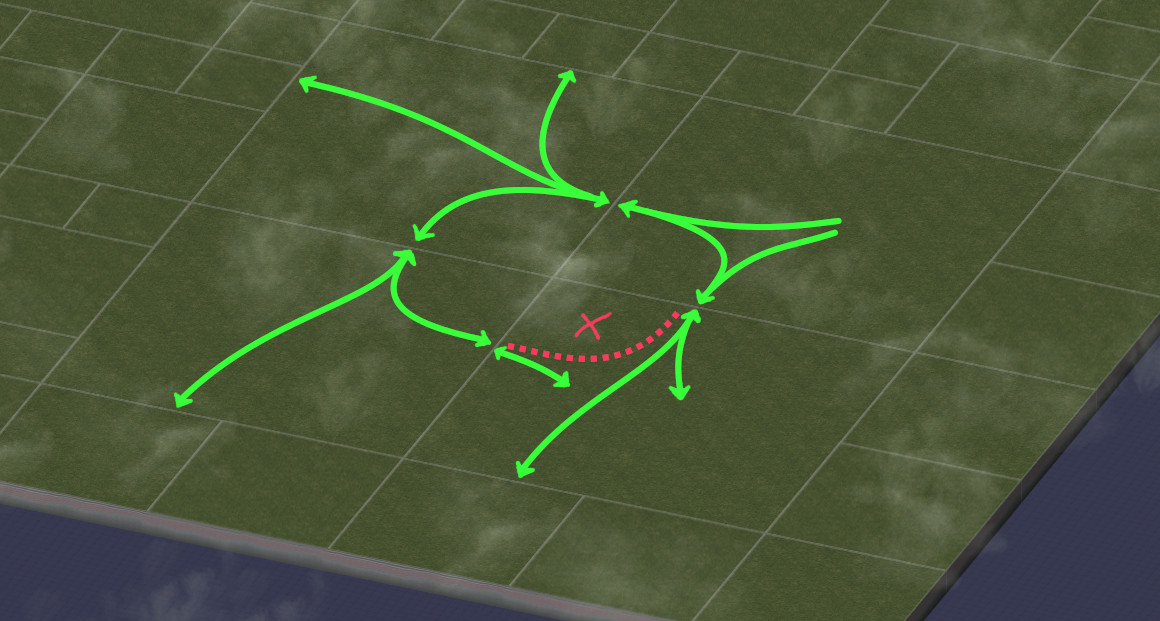
To be clear, this patch does not hinder Sims from commuting to any adjacent cities in any direction. Sims travelling through a neighboring city to look for a job in a third city is usually not desirable in the first place, as it means the Sims didn’t find what they were looking for. This can be an indication that your networks aren’t connected in the best way possible.
The patch only kicks in precisely in this case, i.e. traveling through an entire city from edge to edge (but only North-to-West, or West-to-North). If commuters enter your city at one of those two edges, they will simply find a job in your city or travel southwards or eastwards. Note that this is similar to how Maxis has always blocked Sims from leaving a city at the same edge they entered, so loops couldn’t form with just three cities.
More information about the commute loop and the community’s evolution of knowledge and workarounds can be found in multiple threads across the years: A solution to the eternal commuter problem, Eternal Commute, Further Clarification on the Eternal Commuter Bug, Help Removing A Commuter Loop, Possible (Maybe Not) Solution to Eternal Commuter Problem?, and My Real Fix for Eternal Commute Loop problem.
Slope Tolerance for Network Pieces
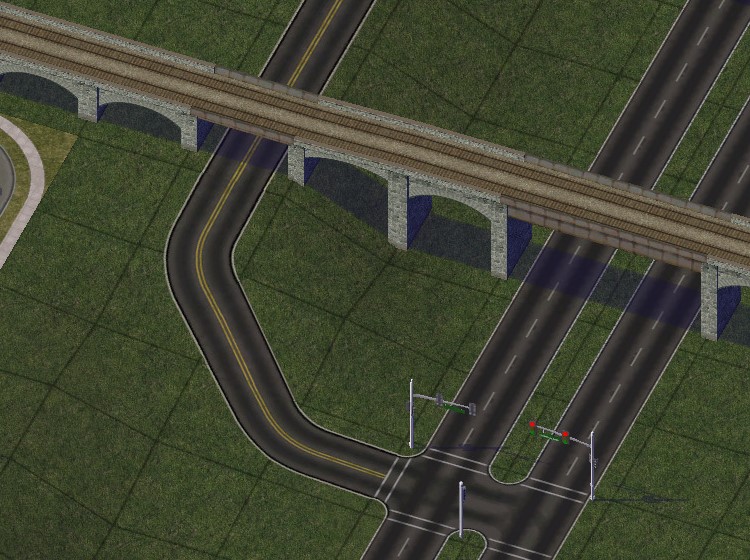
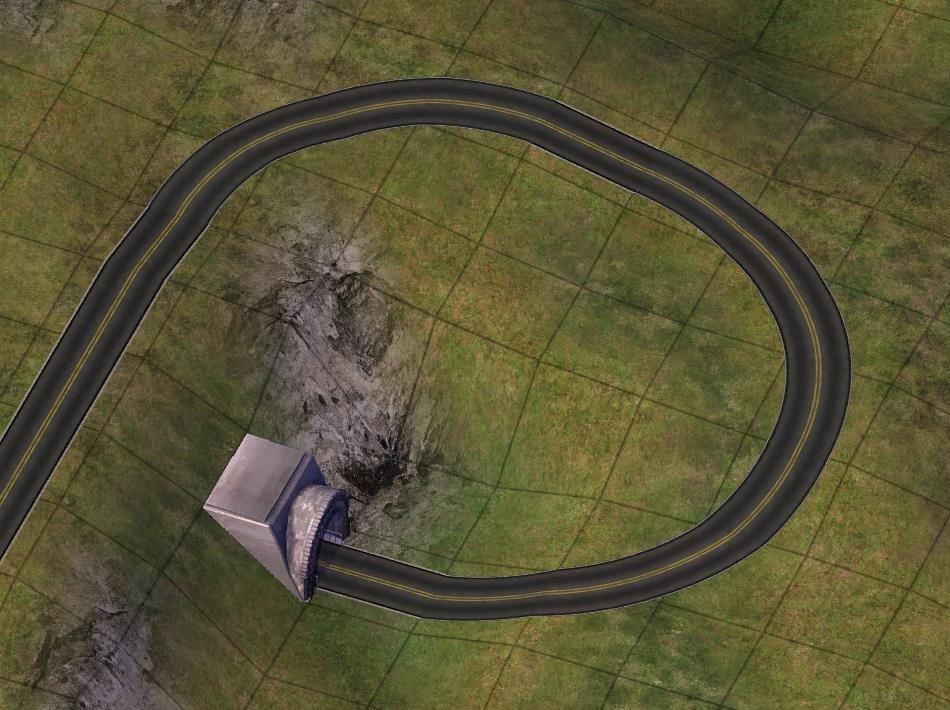
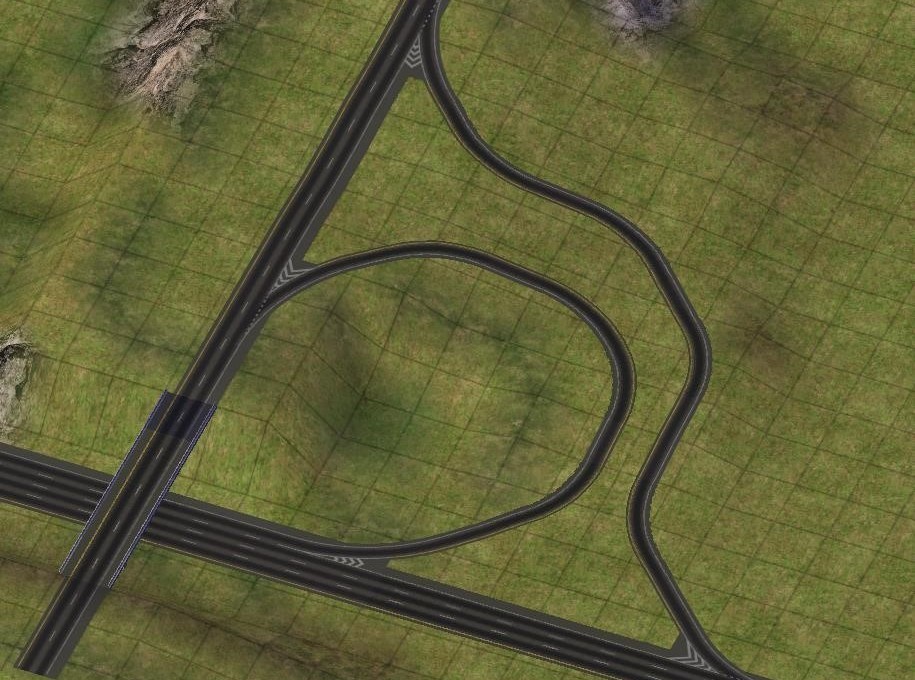
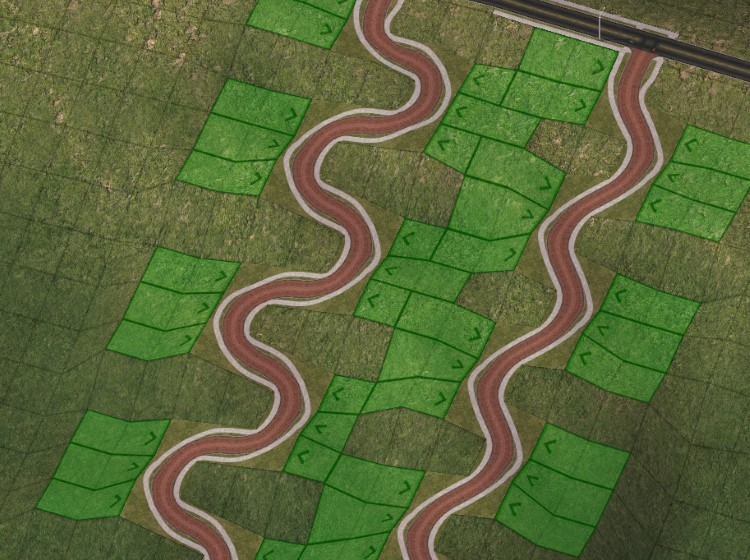
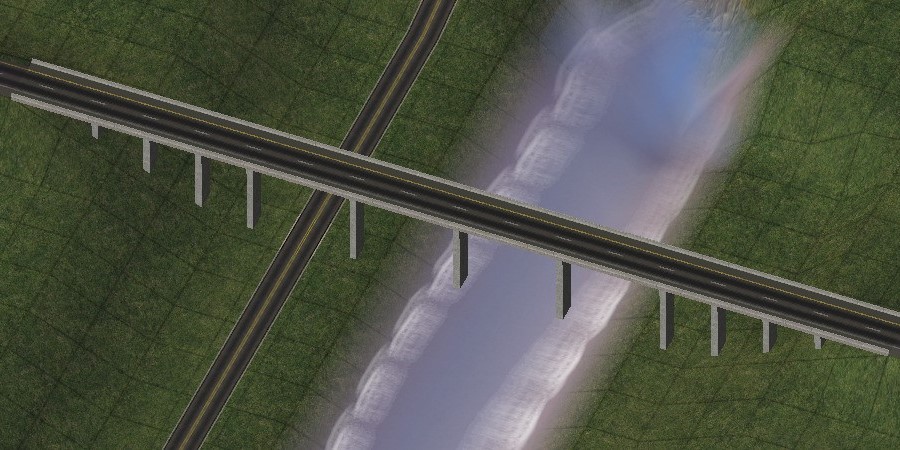
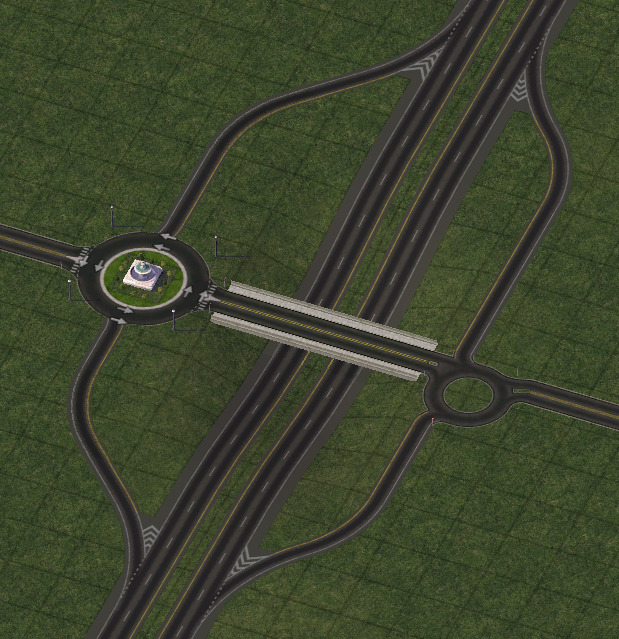
The DLL significantly improves slope tolerance for many network elements.
- 45 degree curves of single-tile networks are slope-conforming now.
- All starter pieces and many FLEX pieces are slope-tolerant now.
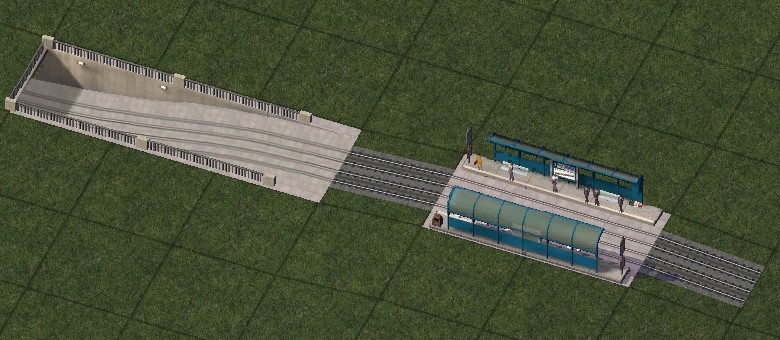
- The FLEX on-slope pieces have been improved:
- Their footprint has been minimized.
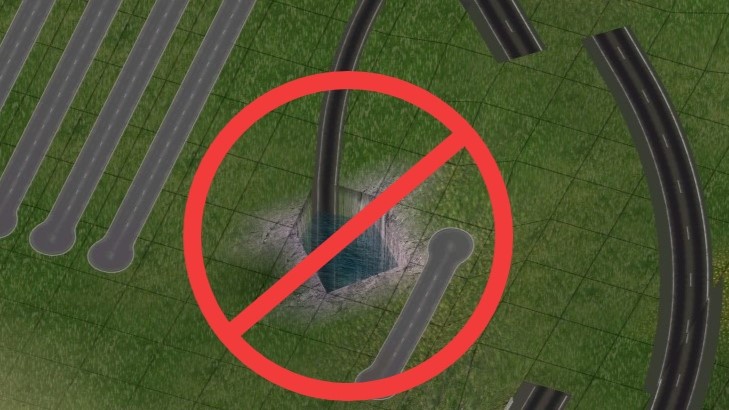
- The sinkhole bug associated with them is fixed.
- Networks can be dragged through the on-slope transition piece.
Street Network updates
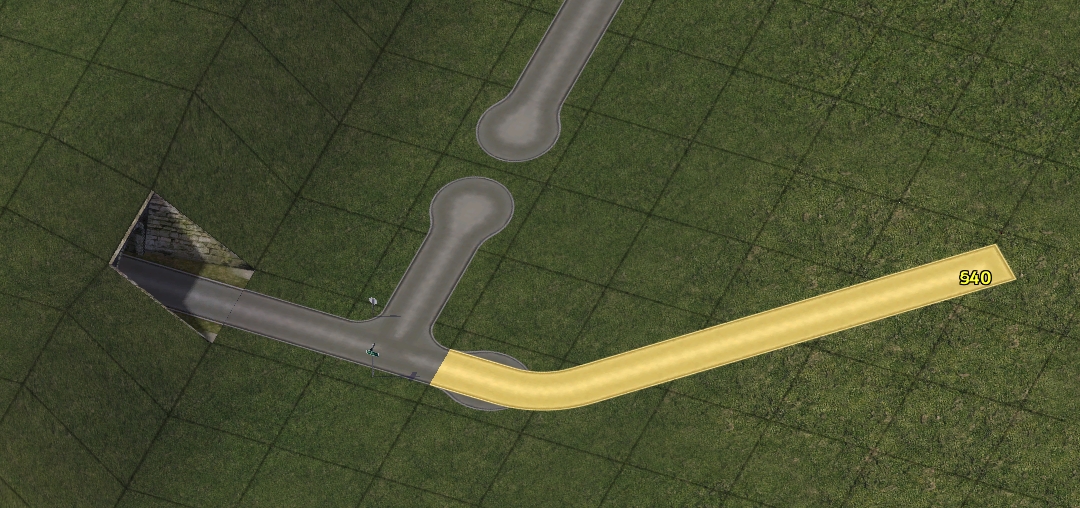
Multiple updates have been included for the street network:
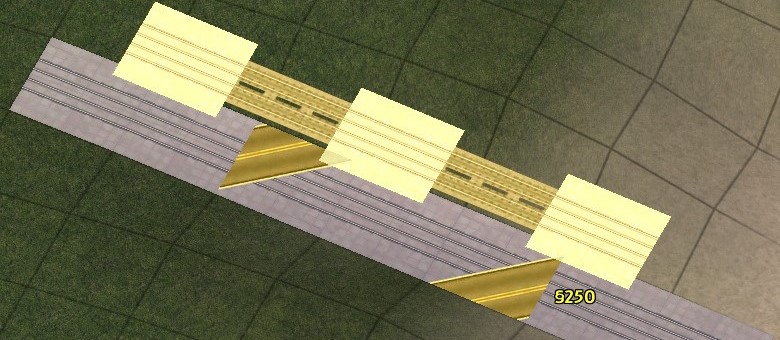
- Streets can now be dragged diagonally.
- Tunnels can now be built using the Street network.
- Auto-connect of the Street and RHW networks has been disabled.
Keyboard Shortcuts for Missing Networks
Out of the box, SC4 never provided keyboard shortcuts for certain networks. The NAM DLL adds these shortcuts via an included KEYCFG subfile:
- Monorail: Ctrl + Y
- One-Way Road: Shift + E
- Ground Highway: Alt + E
- RHW: Control + E
Other Misc Changes
Other minor changes now enabled by the DLL include:
- the removal of the invisible cursor tile from all FLEX pieces. The handle does not interfere with any lots or networks anymore,
- a reduction of the minimum height of bridges to enable ferry clearance from 30 to 20 meters,
- an option to allow RCI zones to access RHW networks (disabled by default), and
- a fix for the “sinkhole to China” bug caused by plopping network pieces on a slight slope.