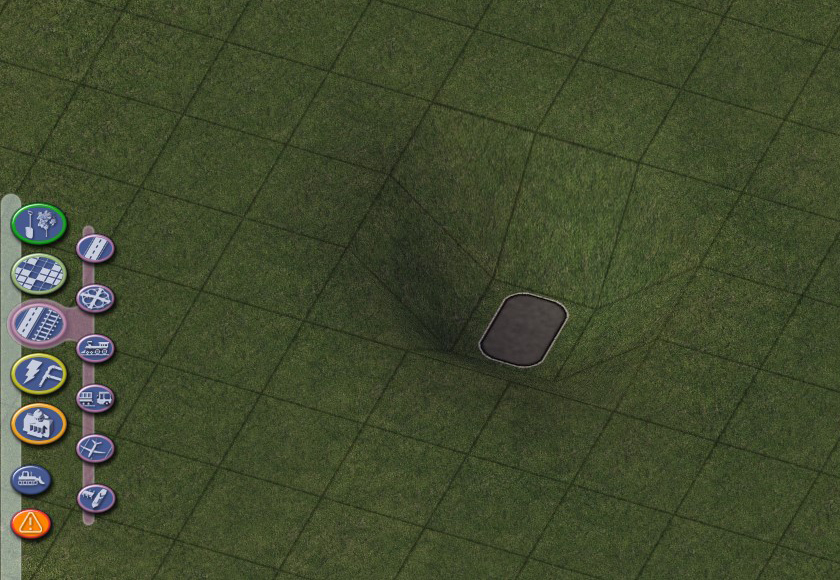
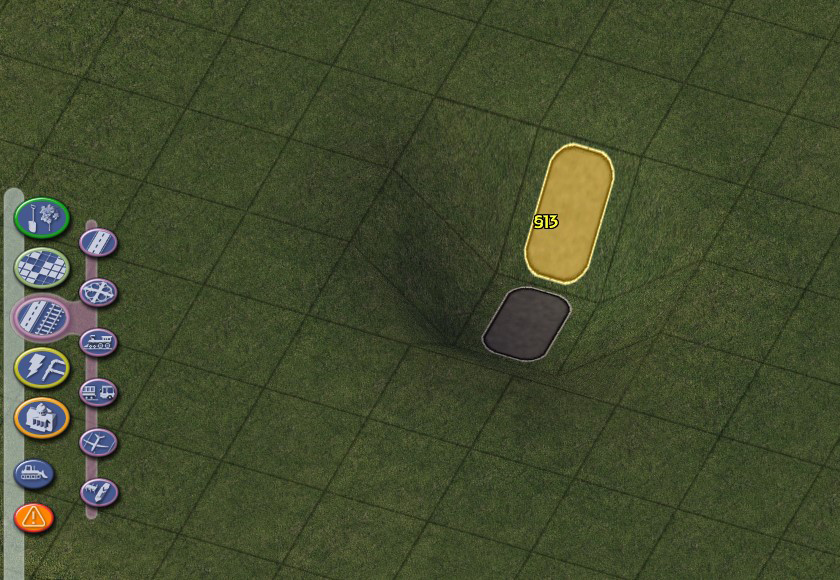
Hole Diggers and Raisers
Overview
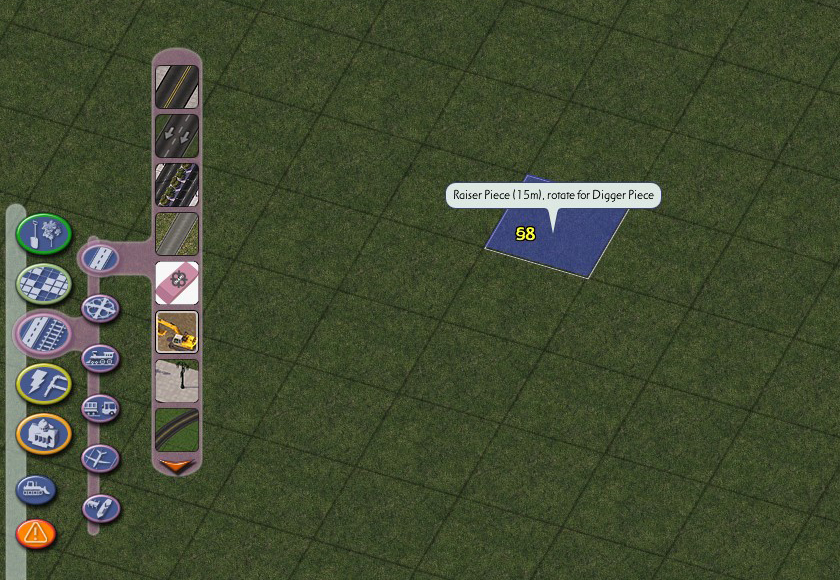
The Hole Diggers and Raisers provided in the NAM are a tool used to raise or lower a single tile of terrain by a precise amount, allowing for fine control over terraforming. This can be particularly useful when dealing with elevated networks (and especially with On-Slope Transitions), and building tunnels and bridges. The Hole Diggers and Raisers can be found near the top of the Highways menu, as well as the the Roads, Rails, and Miscellaneous Transportation menus.

Hole Diggers and Raisers
There are 15 different Hole Digger/Raiser pairs available, each resulting in a different amount of elevation change. TAB and Shift-TAB (Ctrl-TAB and Ctrl-Shift-TAB on MacOS) will cycle through the different elevation change levels, while Home and End toggles between Raisers (blue) and Diggers (red).
When a digger or raiser is placed, the terrain on that is automatically raised or lowered by the specified amount. Unlike other Hole Digger and Raiser Lots, the NAM Hole Diggers and Raisers auto-destruct after placement, allowing you to build on top of the newly-altered terrain immediately.
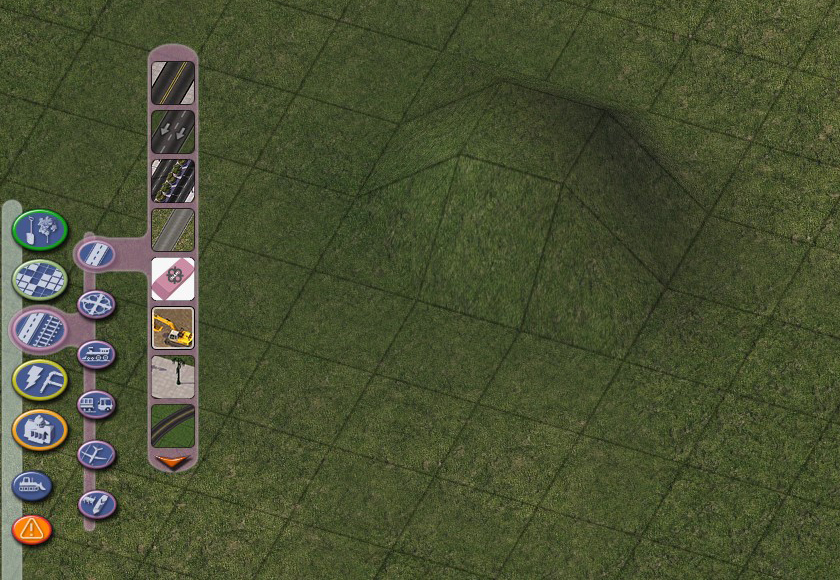
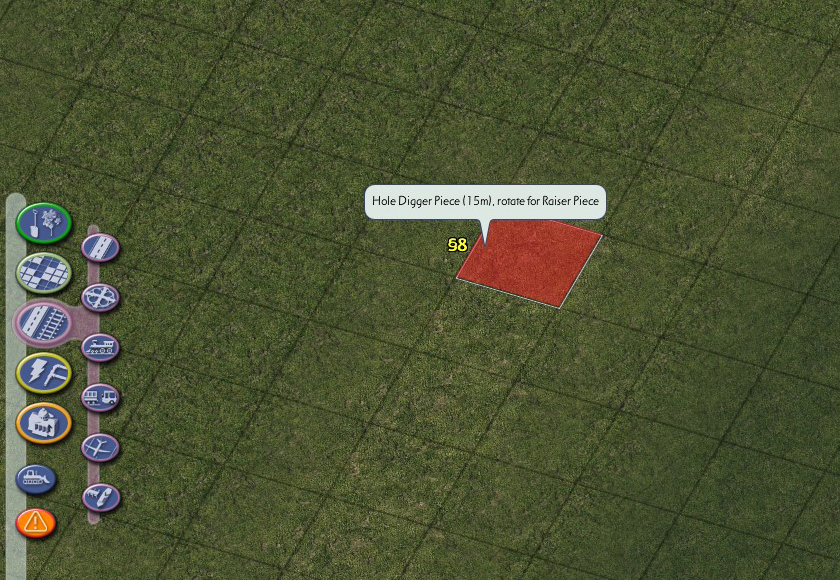
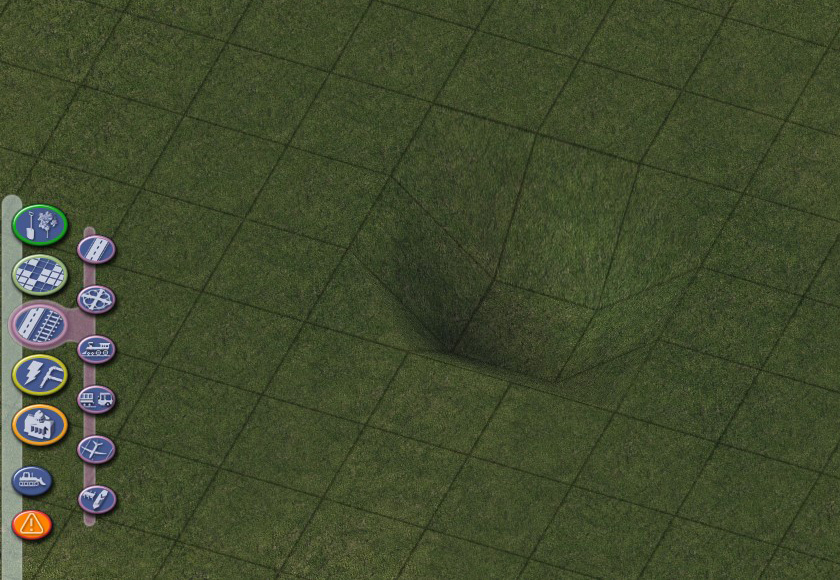
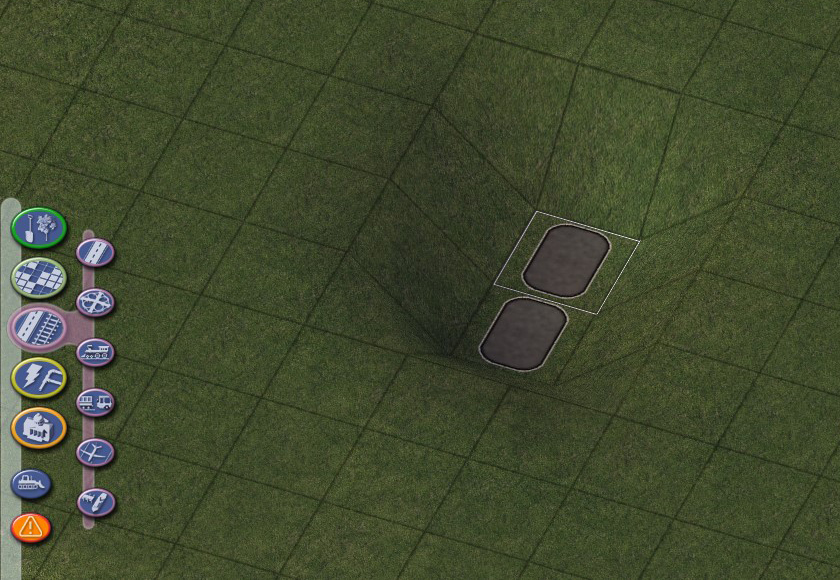
While the Hole Diggers and Raisers operate on a single tile (1x1) basis, it is easily possible to extend the area of the effect by clicking a simple 1x1 Road stub on top of the newly-altered terrain, and then clicking additional 1x1 Road stubs adjacent to it, outlining the additional areas that you would like to bring to the same elevation level.